01
A complete system—not a hardware bundle
Curriculum, textbooks, educator training, assessment and competition preparation form a continuous learning pathway from ages 8 to 18.
Four practical pathways · Ages 8–18
CIRC’s popular project pathways turn AI, robotics and digital design into substantial hands-on experiences. Students assemble hardware, write real code, test their ideas and complete work they can demonstrate with confidence. Schools can select one pathway or combine several into a progressive programme.

Ages 8–18
Four project pathways
76–156 guided hours
Tangible student outcomes
Why CIRC
Schools, education groups and training partners choose CIRC because these advantages support an entire academic year—and a longer pathway of progression.
01
Curriculum, textbooks, educator training, assessment and competition preparation form a continuous learning pathway from ages 8 to 18.
02
Our drone, robotics and programming pathways have been refined through delivery in hundreds of schools with thousands of learners, and align with progressive certification and competition standards.
03
Learners leave with something that can fly, move, run as software or become a physical print—giving families and school leaders clear evidence of progress.
04
The Codex pathway reflects how contemporary software is built, helping learners develop useful capabilities they can apply immediately.
05
Programme updates, teacher development and competition coaching continue beyond the initial delivery, helping partners sustain quality over time.
01 / Programme overview
Four substantial pathways give schools and learners clear choices across physical robotics, autonomous systems, AI product development and digital-to-physical design. Each programme has a defined age range, five-stage structure, guided-hour framework and practical outcome.
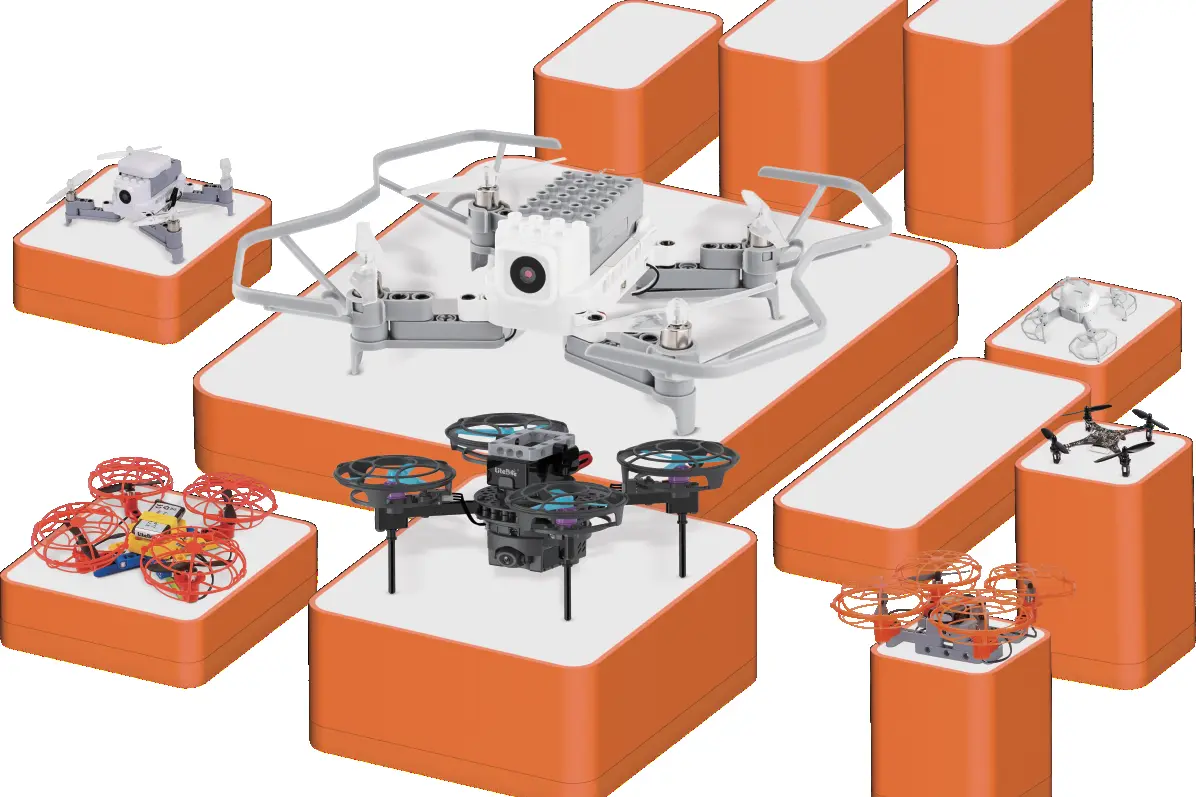
Ages 8–18 · 5 levels · 156 hours
Core outcome: safe flight control, visual and Python programming, sensor-based autonomy, industry-inspired missions and team formation flight.
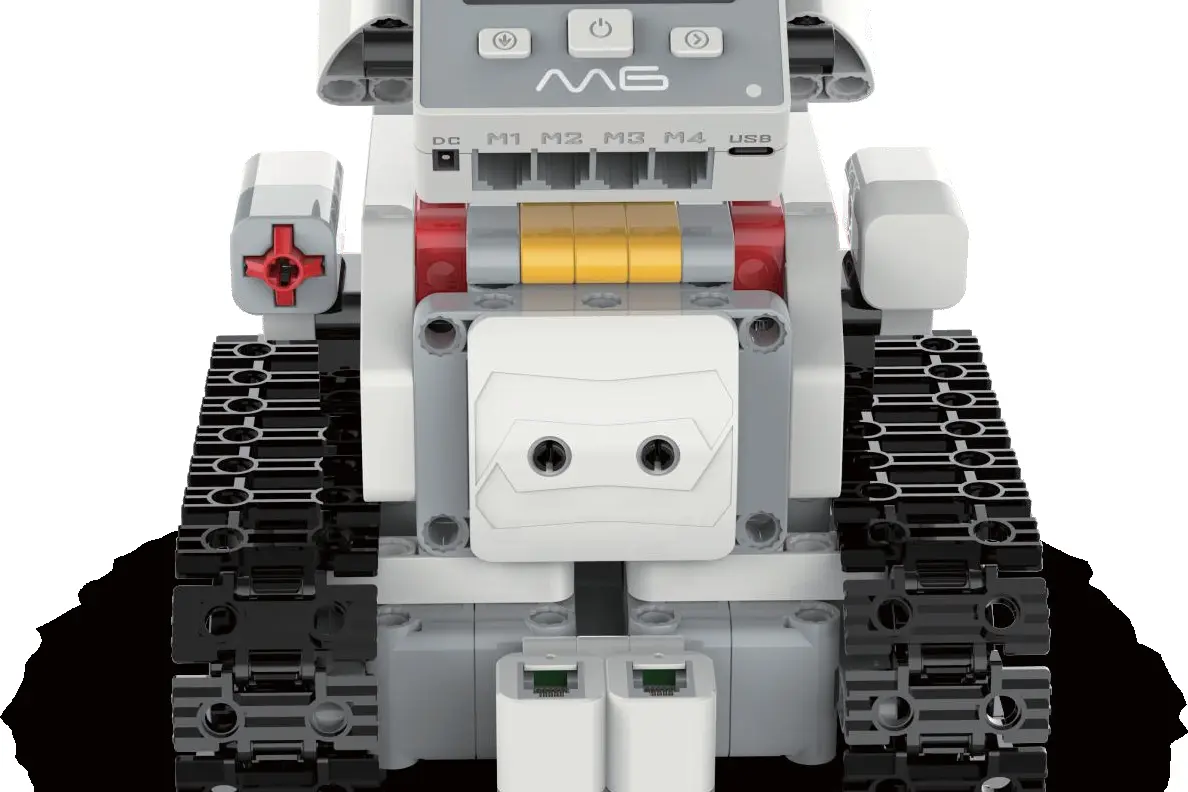
Ages 8–18 · 5 levels · 120 hours
Core outcome: robot construction, sensor integration, autonomous navigation, Python, AI vision and integrated logistics or rescue missions.
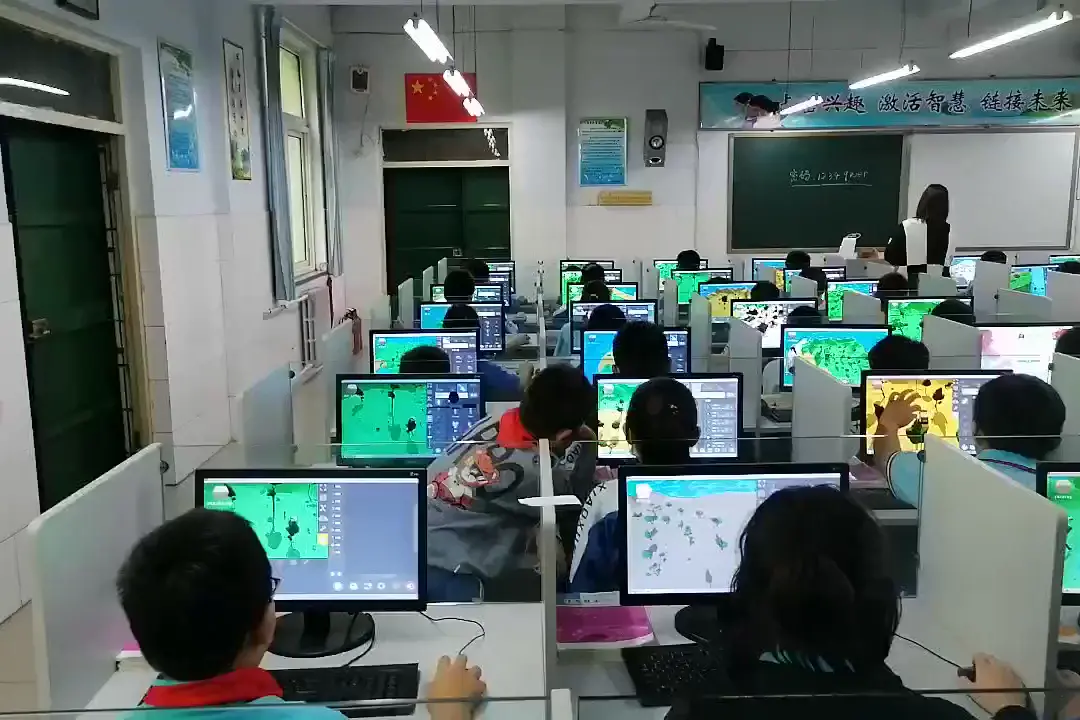
Ages 10–18 · 5 modules · 120 hours
Core outcome: responsive websites, JavaScript interaction, Python applications, responsible AI-assisted coding and a deployed capstone product.
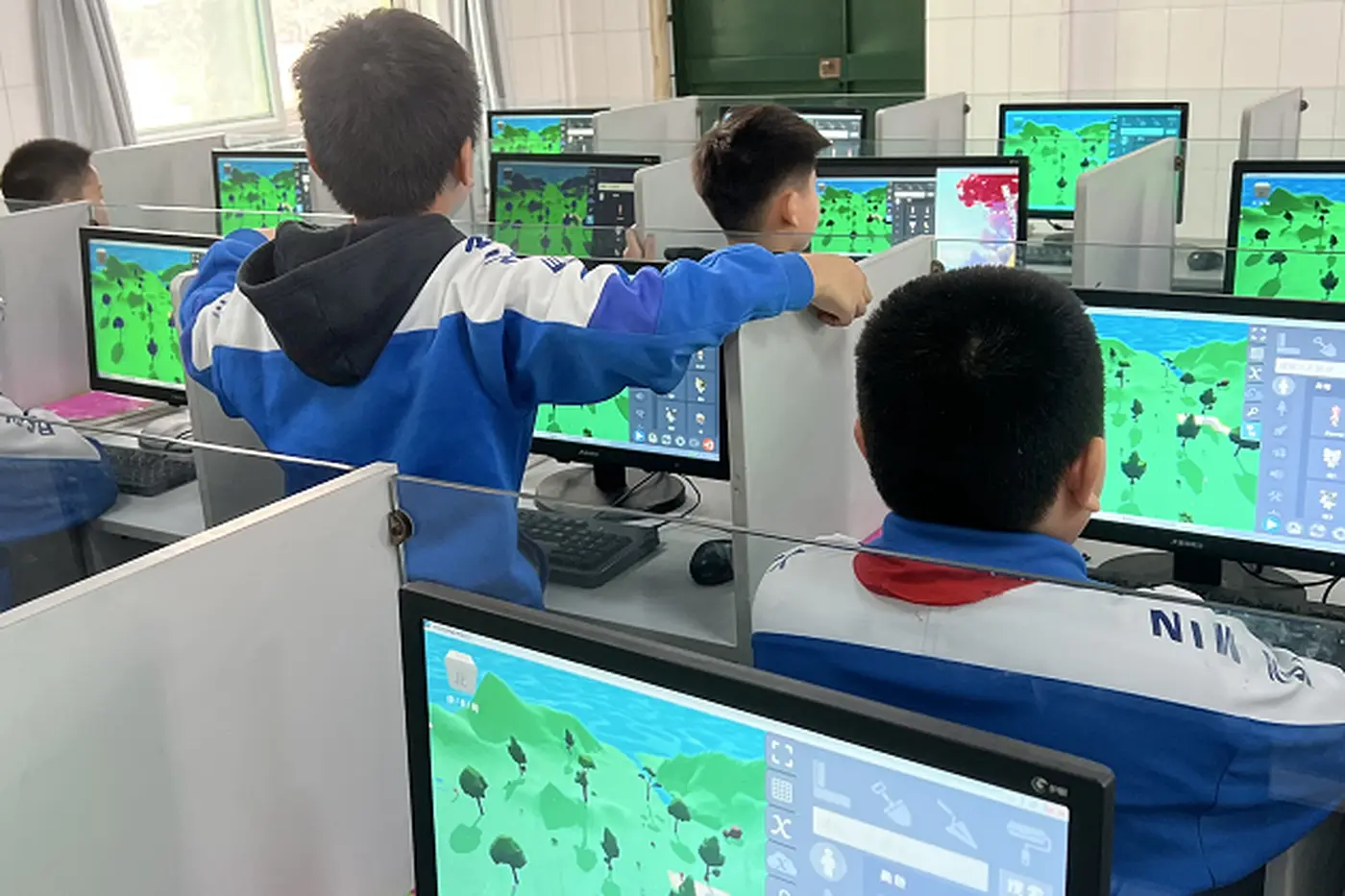
Ages 9–18 · 5 modules · 80 hours
Core outcome: 3D modelling, digital sculpting, printable part design, materials, rendering, 3D printing and a finished exhibition piece.
02 / Programme 1 · Drone technology
Students assemble and upgrade a modular educational drone, learn the principles that make controlled flight possible and progress from safe manual operation to autonomous programming. One adaptable hardware platform supports the full pathway, including flight safety, aerodynamics, sensor-guided navigation and industry-inspired missions in aerial imaging, inspection, logistics and search-and-rescue. The programme culminates in synchronised team flight and a challenge-ready technical demonstration.
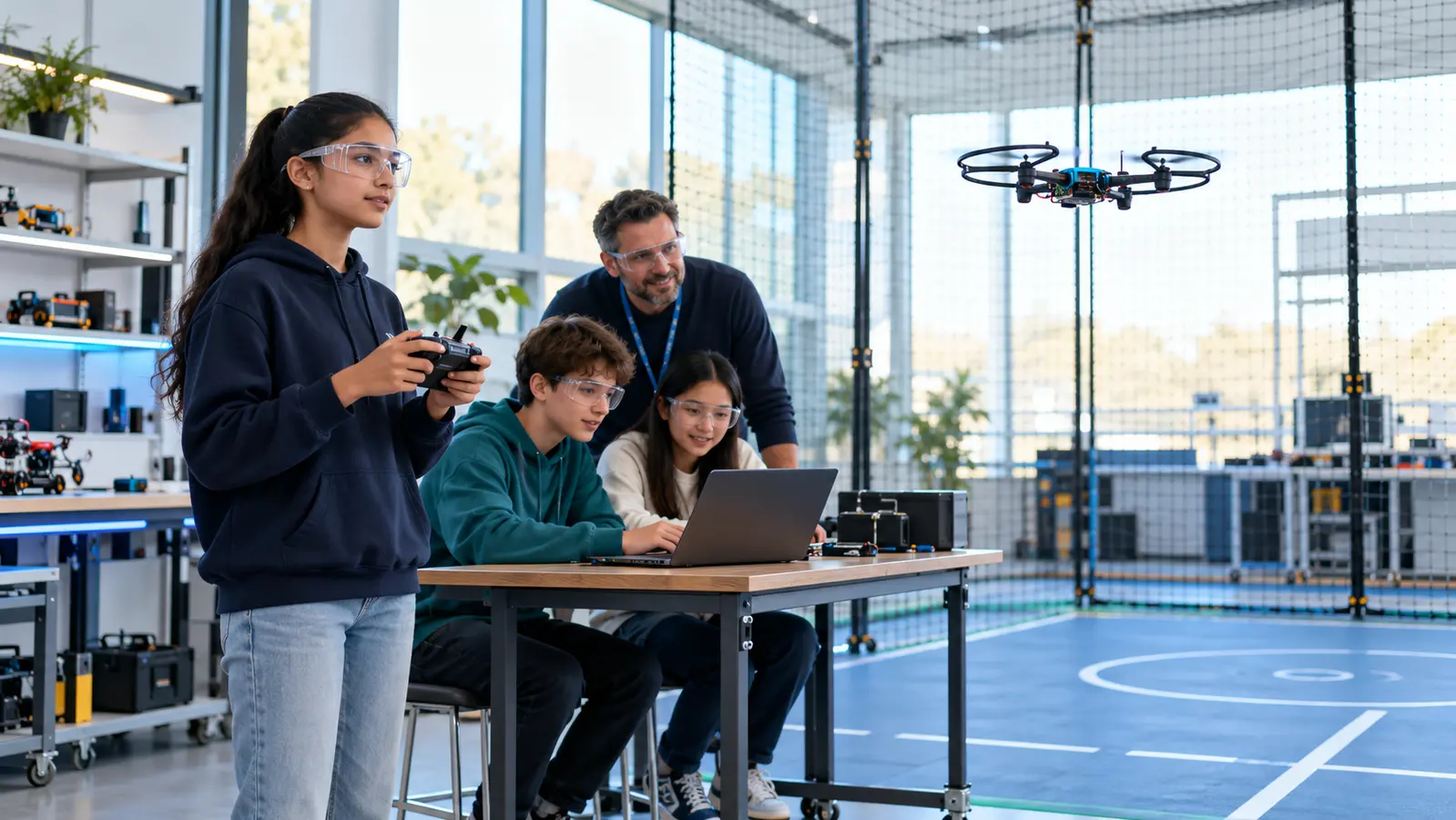
L1 · 32 guided hours
Focus: airframe assembly, flight principles, safety and manual control. Project examples: first flight, stable hovering, figure-eight course and modular drone-to-ground-vehicle conversion.
L2 · 40 guided hours
Focus: block-based programming for complete flight missions. Project examples: autonomous take-off, route planning, landing, orbit photography and flight games.
L3 · 32 guided hours
Focus: Python control and sensor integration. Project examples: obstacle avoidance, line following, colour recognition and repeatable autonomous missions.
L4 · 32 guided hours
Focus: payloads and realistic operating scenarios. Project examples: gripper transport, inspection routes, sample collection, logistics and search-and-rescue simulation.
L5 · 20 guided hours
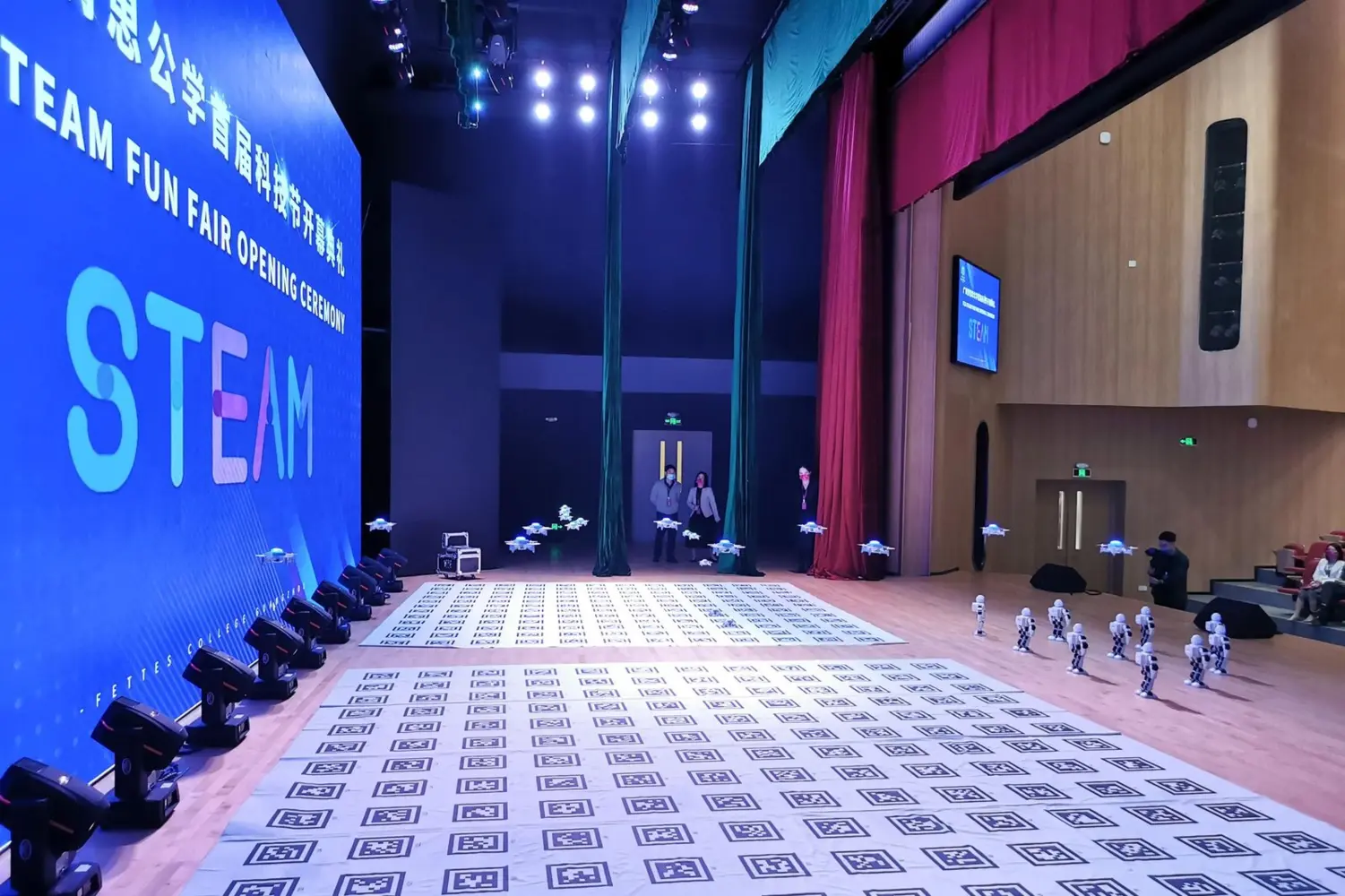
Focus: coordinated flight and challenge preparation. Project examples: synchronised formation displays, racing, technical rehearsals and team challenge strategy.
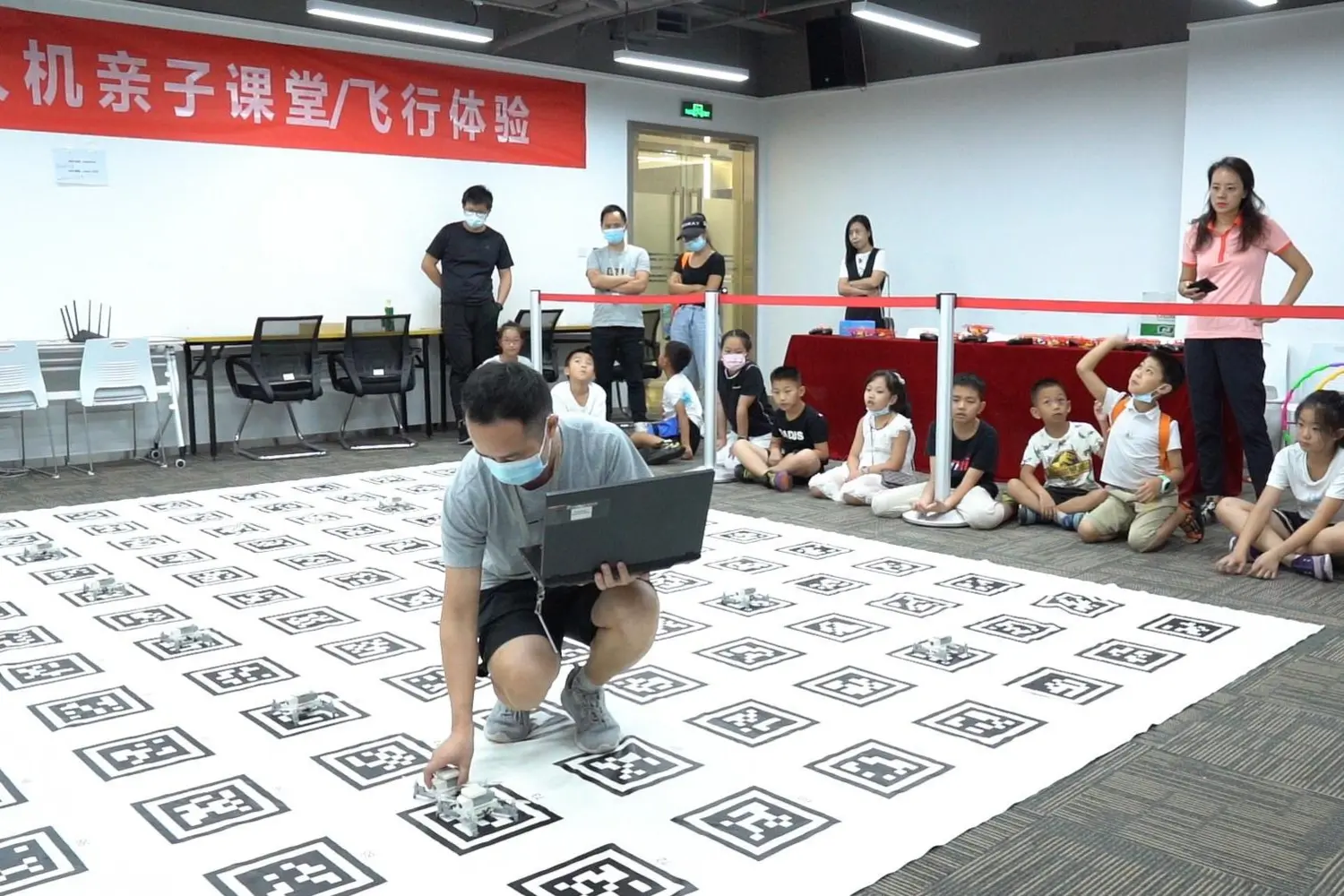
Learning in practice
Students test code and flight behaviour in a structured learning environment before applying their skills in a coordinated end-of-programme performance.
03 / Programme 2 · Autonomous vehicles
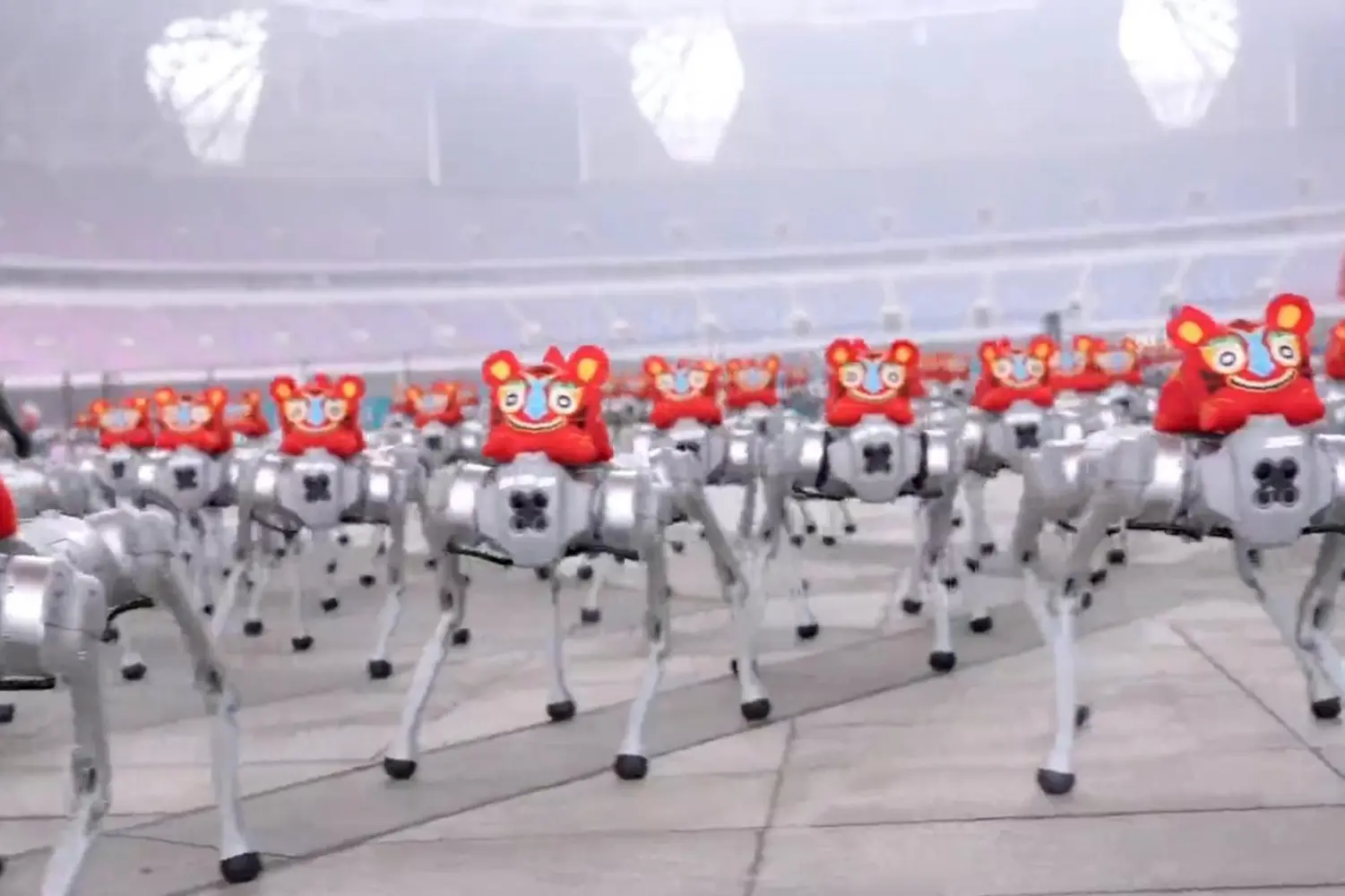
Students begin with mechanical components and build a configurable ground robot before teaching it to sense, navigate and make decisions. The pathway develops from structures, gears and remote control to calibrated ultrasonic, infrared and camera systems, autonomous navigation and AI computer vision. Projects draw on realistic applications in smart logistics, inspection, urban mobility and rescue, using configurable wheeled or tracked platforms and, where appropriate, advanced quadruped robots for higher-level exploration.
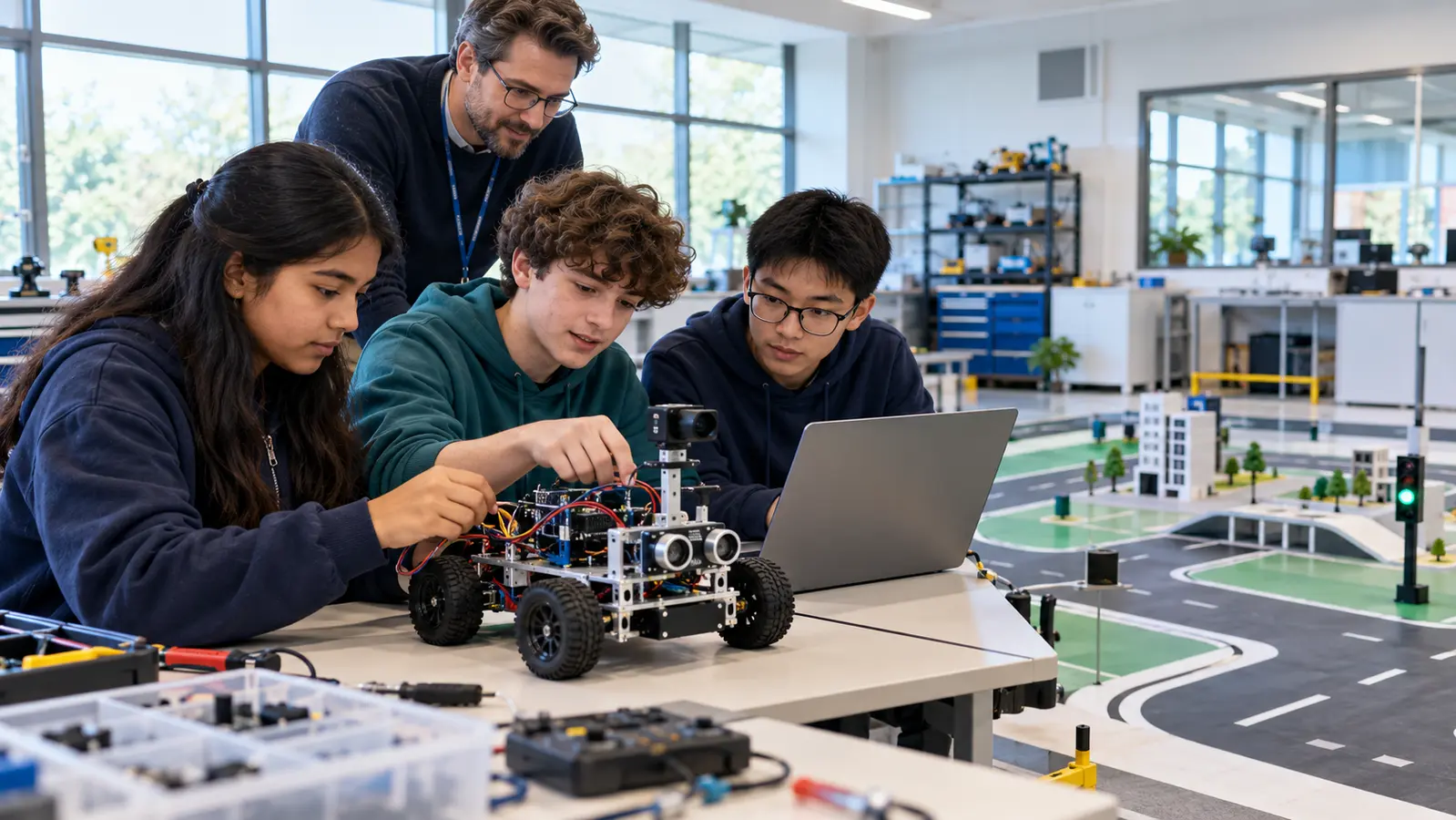
L1 · 24 guided hours
Focus: mechanical structures, gears, drive systems and assembly. Project example: build, configure and tune a working robotic vehicle.
L2 · 24 guided hours
Focus: sensor wiring, calibration and remote control. Project examples: ultrasonic obstacle avoidance and infrared line-following vehicles.
L3 · 24 guided hours
Focus: visual programming for driving logic. Project examples: smart-city map navigation and programmed inspection routes.
L4 · 24 guided hours
Focus: Python programming and camera perception. Project examples: colour-sorting robot, object recognition and target-tracking vehicle.
L5 · 24 guided hours
Focus: integrated missions and competition preparation. Project examples: smart-logistics challenge, urban driving task and rescue course.
Platforms, perception and performance
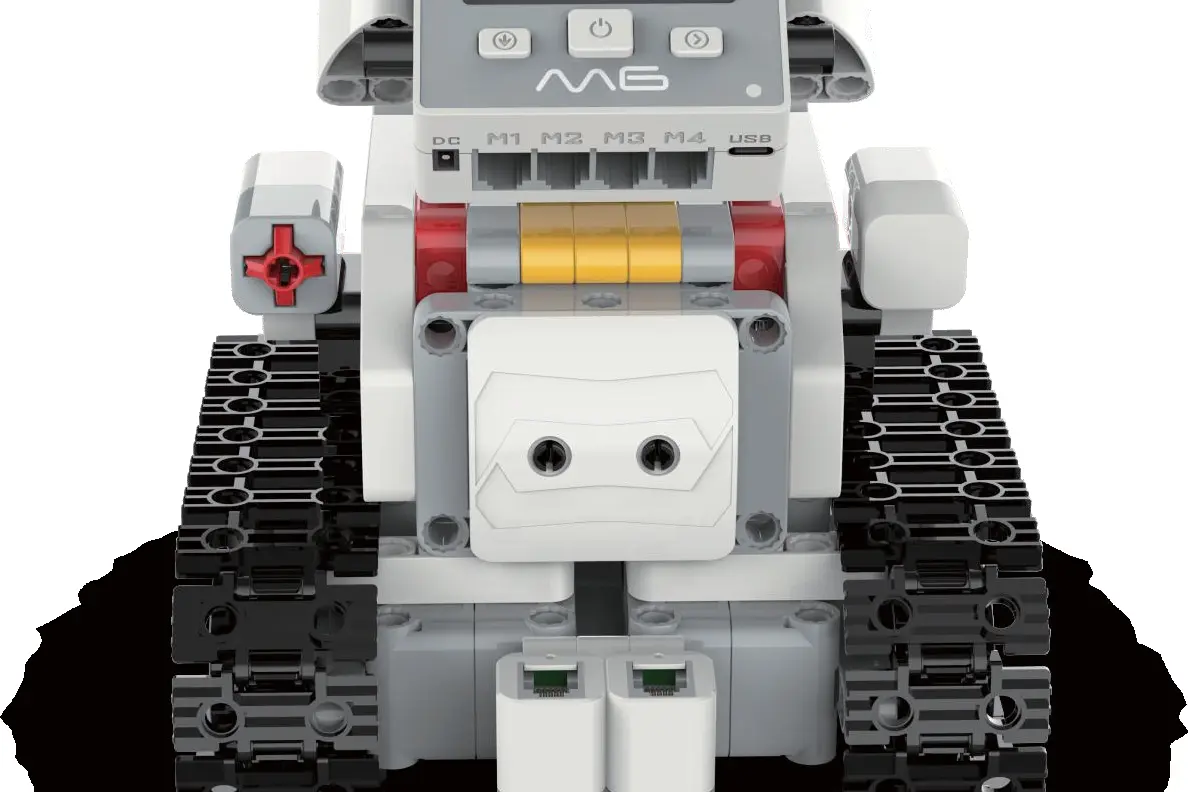
Students progress from understanding a robust tracked platform to developing camera-based perception and, at an advanced level, coordinating embodied-intelligence systems for a public team outcome.

04 / Programme 3 · AI product development
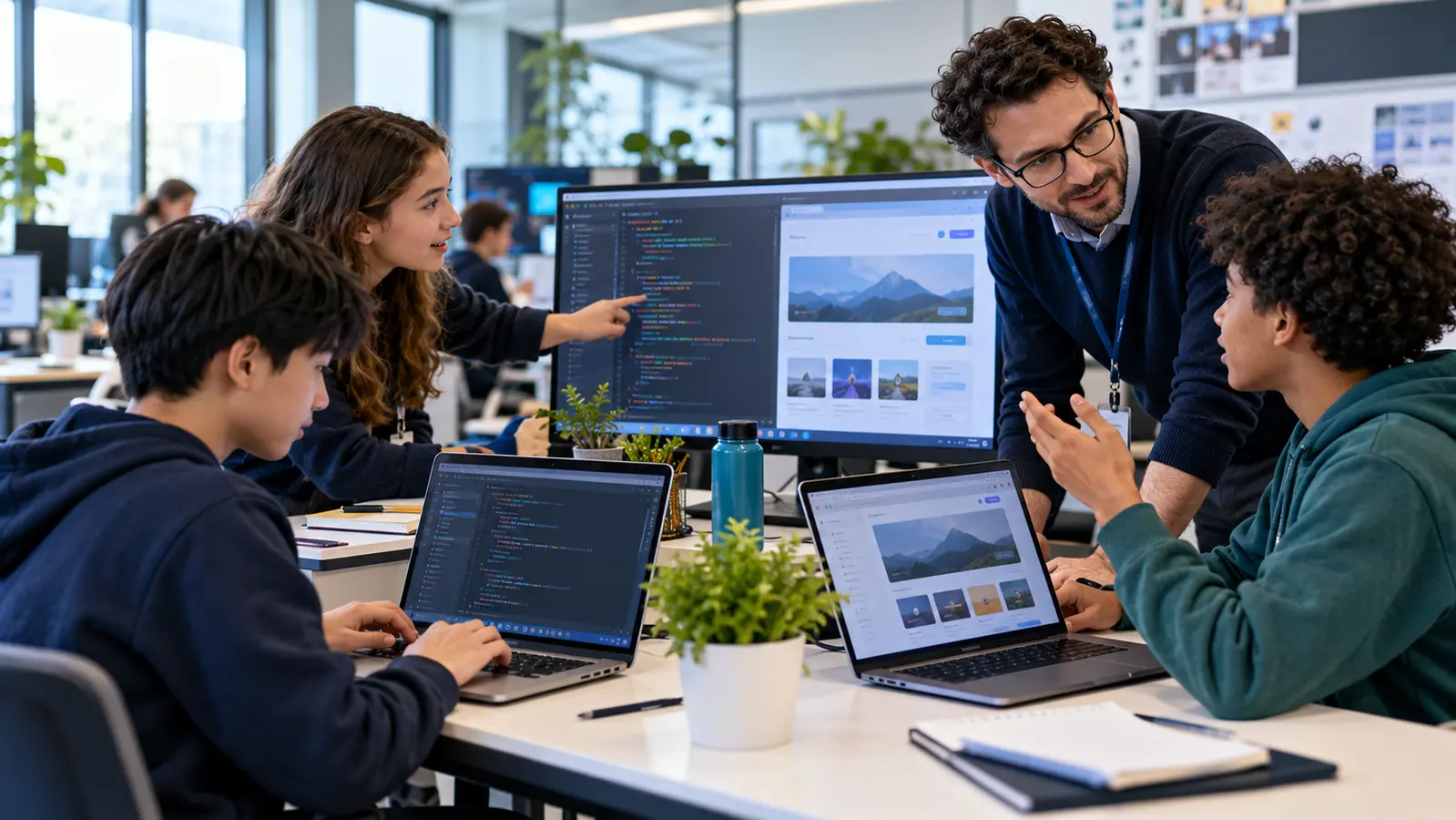
Students learn to use AI as a programming partner while retaining responsibility for design decisions, code quality and testing. Beginning with HTML, CSS and responsive page structure, they add JavaScript interaction, build practical Python tools and learn how to guide AI coding assistants such as OpenAI Codex with clear, structured prompts. Every generated contribution is read, tested, debugged and improved. The pathway concludes with a deployed application or portfolio that students can demonstrate beyond the classroom.
M1 · 24 guided hours
Focus: HTML, CSS, page structure and responsive layout. Project examples: a personal homepage or a school-club website.
M2 · 24 guided hours
Focus: JavaScript, events, DOM manipulation and simple game logic. Project examples: interactive quizzes and browser-based mini-games.
M3 · 24 guided hours
Focus: Python syntax, data, files and automation. Project examples: a useful digital tool or a simple data dashboard.
M4 · 24 guided hours
Focus: code prompts, Codex workflows, debugging and verification. Project example: refine an AI-supported application through testing and human review.
M5 · 24 guided hours
Focus: product design, development and deployment. Project examples: a published portfolio website or a live school-community application.
Every learner builds
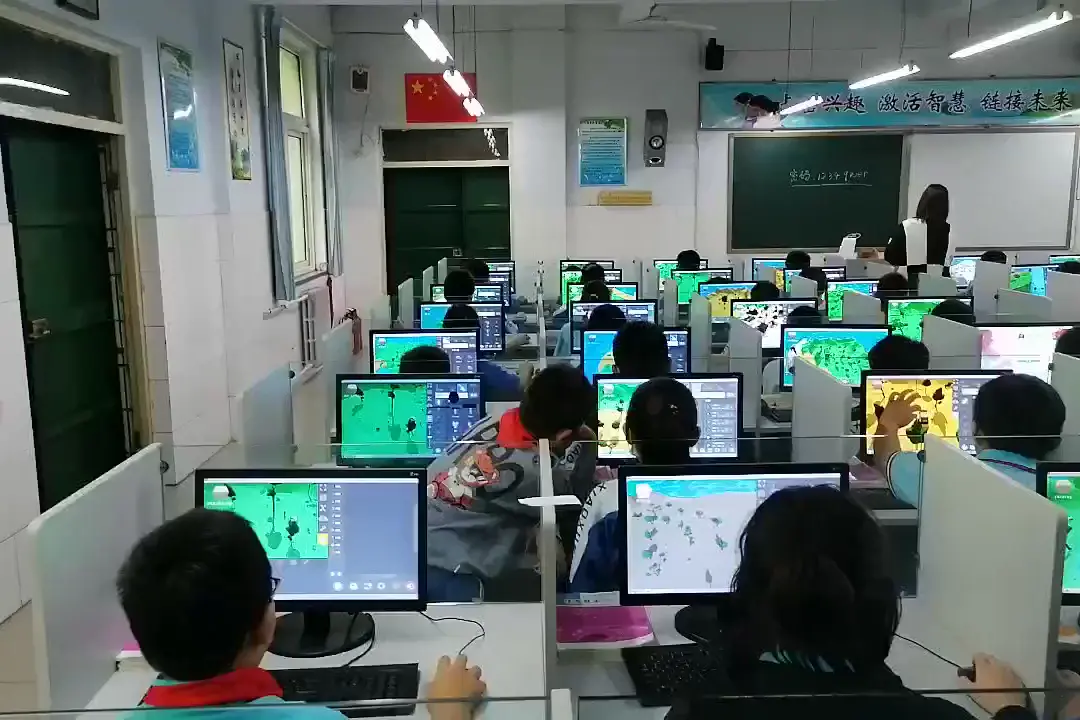
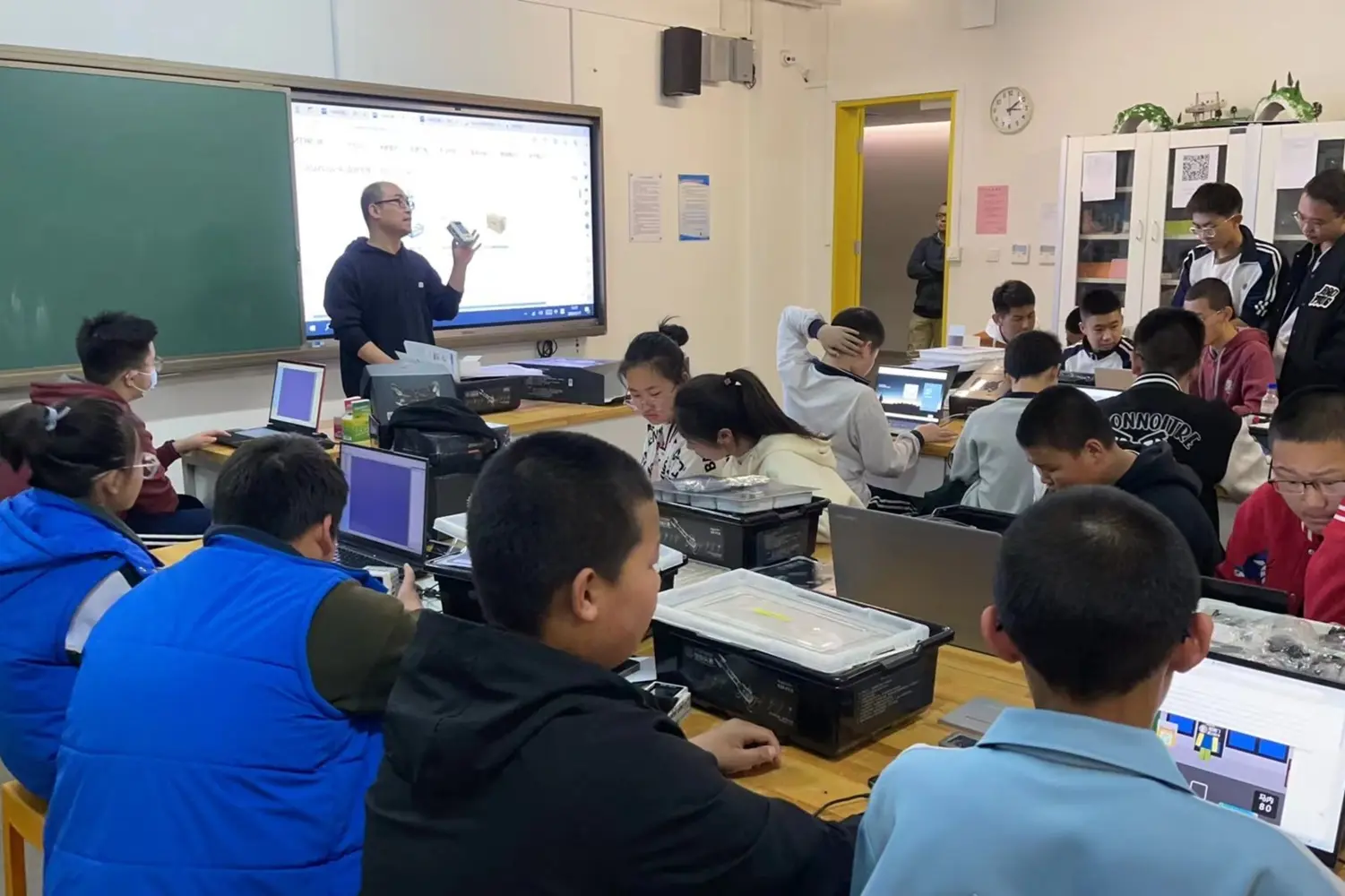
Students work on their own code and digital product while teachers provide timely technical guidance, design critique and structured review. The result is a classroom in which every learner builds, tests, improves and prepares something they can deploy.
05 / Programme 4 · 3D creative design
Students follow a studio-style creative process to design an original collectible figure from the ground up. They learn 3D modelling, organic digital sculpting, character stylisation, articulated-part design, materials, lighting and presentation rendering before preparing the model for physical production. Every learner completes the digital-to-physical workflow by slicing, 3D printing, assembling and hand-finishing a unique, non-branded art toy they can exhibit and explain.

M1 · 16 guided hours
Focus: interface, primitives, transformations and modifiers. Project example: a first complete 3D object and designed scene.
M2 · 16 guided hours
Focus: digital-clay methods, character form and stylisation. Project example: a stylised animal, person or original creature sculpture.
M3 · 16 guided hours
Focus: parts, joints, accessories, printability and physical assembly. Project example: an articulated collectible-toy design.
M4 · 16 guided hours
Focus: colour, texture, lighting and presentation. Project examples: product-quality renders and turntable animation frames.
M5 · 16 guided hours
Focus: slicing, 3D printing, post-processing, assembly and finishing. Final outcome: a completed physical 3D-printed art toy.
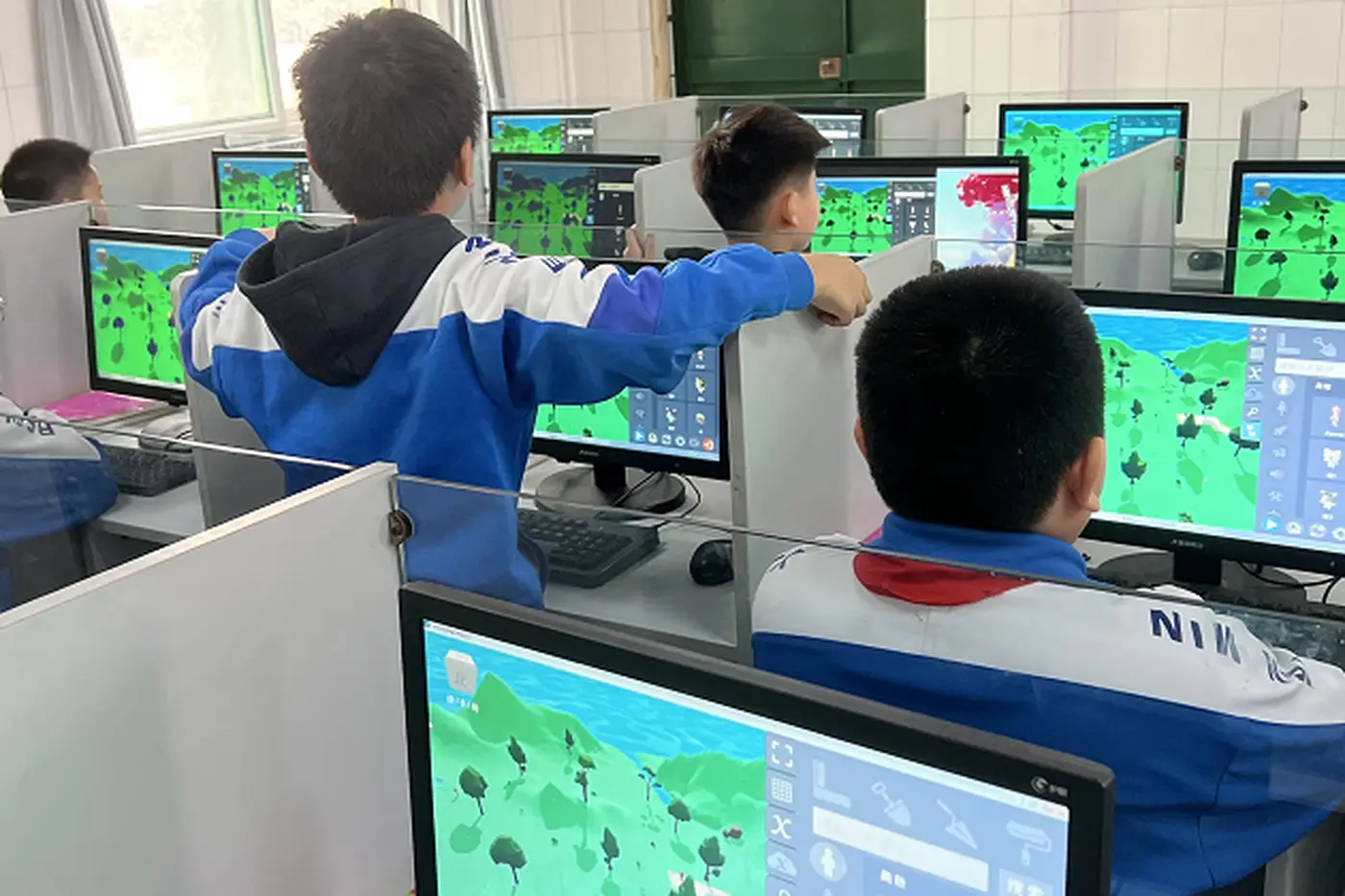
Learning process and outcome
The project makes progress visible at both ends of the creative workflow: students develop complete stylised scenes and models on screen, then transform an original design into a tangible, hand-finished portfolio piece.

06 / Programme 5 · Age-progressive pathway
The four practical project lines share one continuous progression model. Learners can begin at any appropriate age, advance at a pace that reflects their readiness and combine different projects as their interests develop. Schools can therefore offer a coherent multi-year pathway without requiring every student to follow the same sequence.

Ages 8–10 · Foundation
Recommended starting points: Drone L1–L2, Autonomous Vehicle L1–L2 and 3D Design M1. Learners develop safe practical habits, basic control logic and confidence in explaining what they have made.
Ages 11–13 · Development
Recommended progression: Drone L2–L3, Autonomous Vehicle L3–L4, AI Development M1–M2 and 3D Design M2–M3. Students take greater responsibility for coding, testing and team roles.
Ages 14–18 · Advanced & applied
Recommended progression: Drone L4–L5, Autonomous Vehicle L5, AI Development M3–M5 and 3D Design M4–M5. Learners tackle applied briefs, public outcomes and evidence-rich capstone projects.
Delivery models
Each route can begin at a manageable scale and retain consistent learning expectations across different delivery formats.
01
Weekly STEM and AI learning integrated into the school timetable.
02
A 60–90 minute weekly robotics, coding or creative-technology club.
03
A focused 3–5 day programme that can combine multiple project pathways.
04
Educator preparation supported by lesson plans and classroom-ready resources.
05
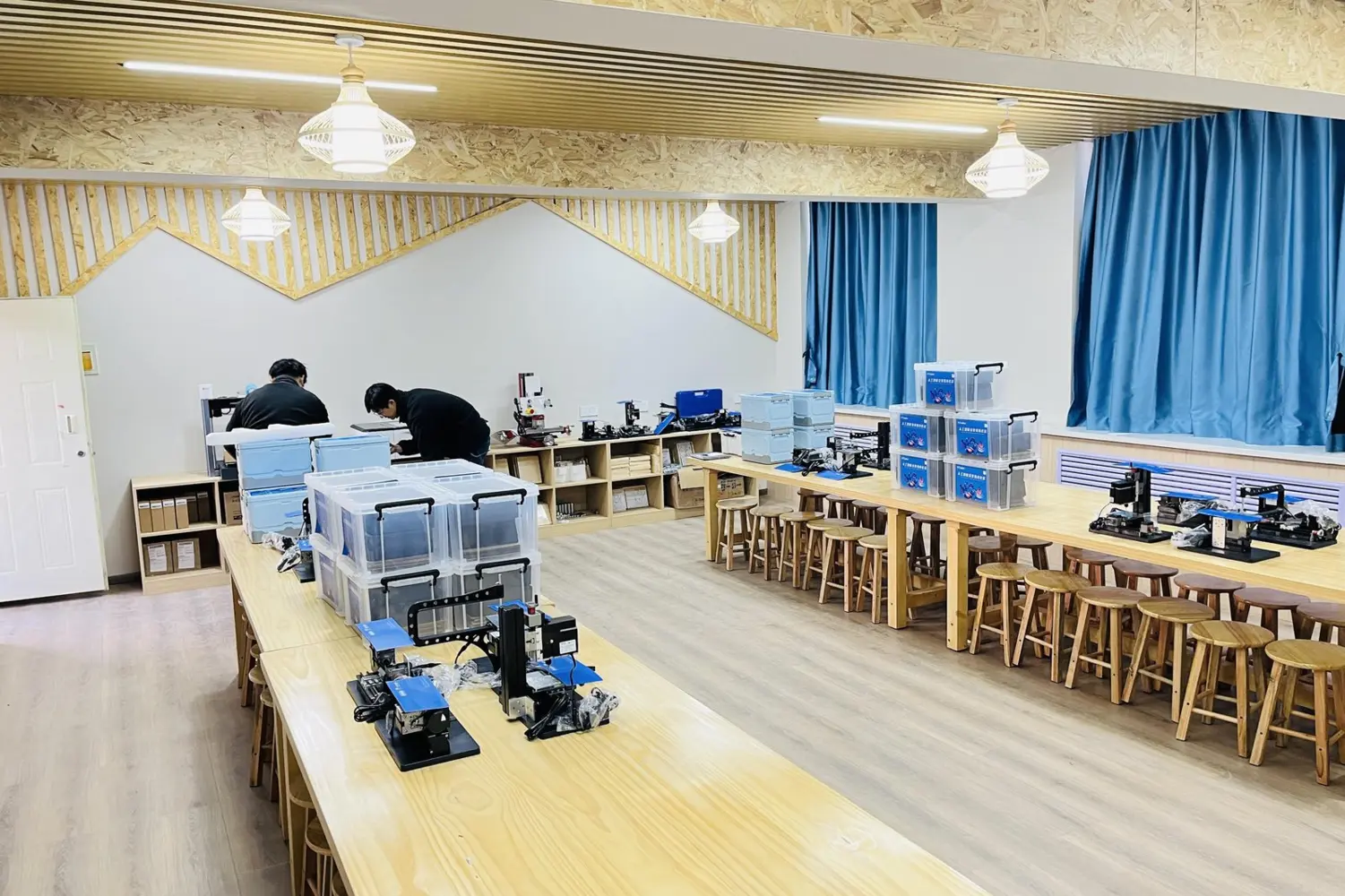
AI and robotics learning-space design, including layout, hardware kits, storage and display.
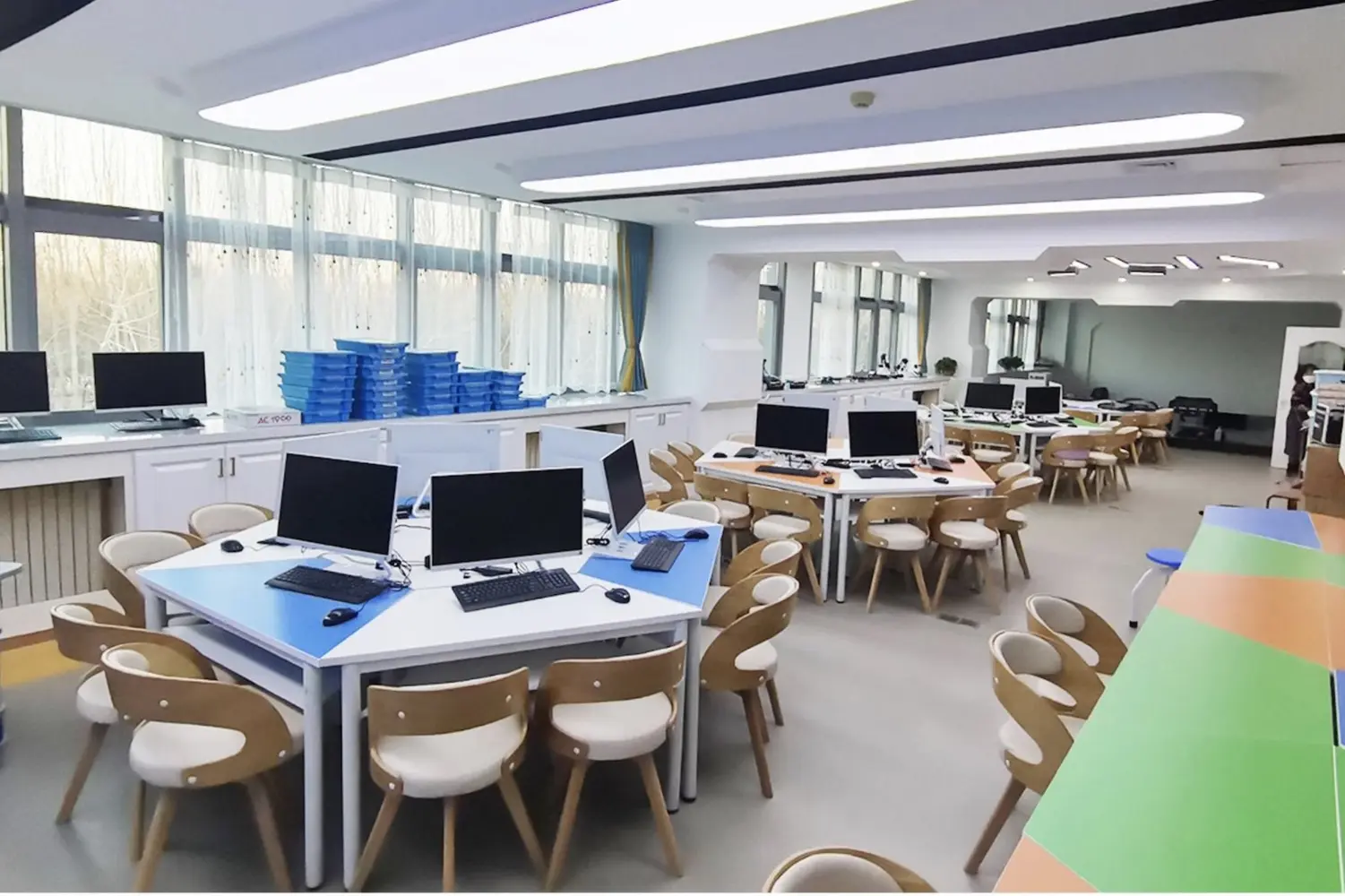
Learning environments
Programme 5 can be delivered in an existing collaborative classroom or through a complete CIRC-supported makerspace setup, giving schools a clear route from room planning to the first taught session.
Standard programme configuration
Every project in Programme 5 is supplied as a complete delivery package, aligning learner resources, teacher support, equipment, assessment and competition preparation.
01
Structured reference material, guided activities and space for reflection and evidence.
02
Classroom-ready sequences, presentation materials and clear delivery notes.
03
Reusable demonstrations that support preparation, instruction and independent practice.
04
Project-ready equipment with essential replacement parts and consumable materials.
05
Progressive assessment tools and a transparent route to recognised completion.
06
Challenge rules, preparation guidance and practice maps for team training.
Partner with CIRC
Choose the most useful next step for your team. CIRC will shape the conversation around your learners, delivery setting and timetable.
Your next step
Tell us the learner ages, preferred project, available hours, equipment and intended outcome. CIRC will recommend a suitable starting level and delivery format.